
Writing
Converter 4.3 - My First Impressions
There are a few changes to note with the new Converter version.
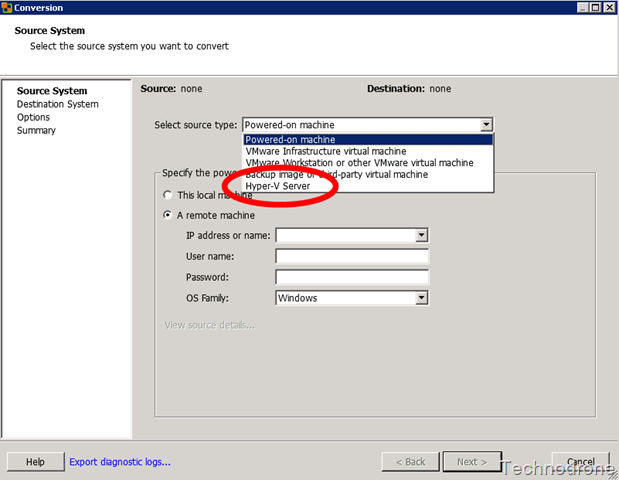
You can now import Hyper-V Machines Directly
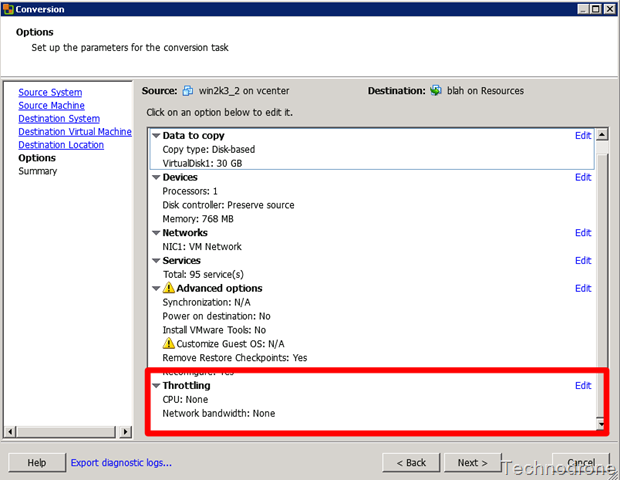
There is a new Throttling feature (More about that in an upcoming post)
You can now define a cluster as a destination for your conversion - I guess DRS will sort out where to place the VM.
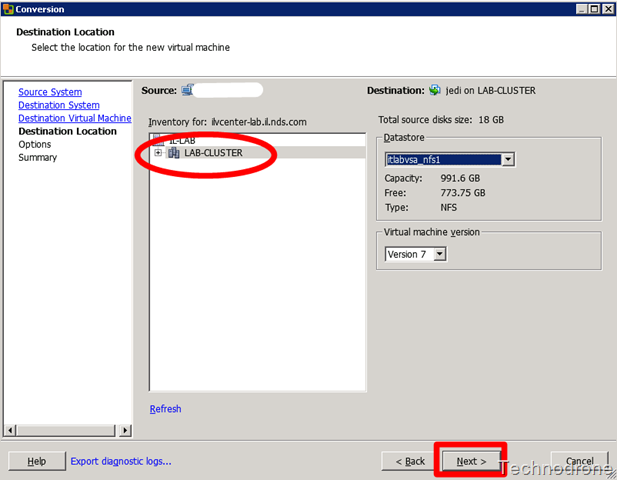
As opposed to
And Last But not Least. It is blazing fast. Give it a spin…
Great Job VMware!!