
Writing
"Need have have" - revisited
If you remember about 6 months ago I wrote an article about the fact that hot add of any kind of virtual hardware in the free free version of ESXi. I thought I would revisit the problems I had now that Update 1 was released last week.
The host has been upgraded to ESX4i Update 1

I took a Windows 2008 Guest OS.
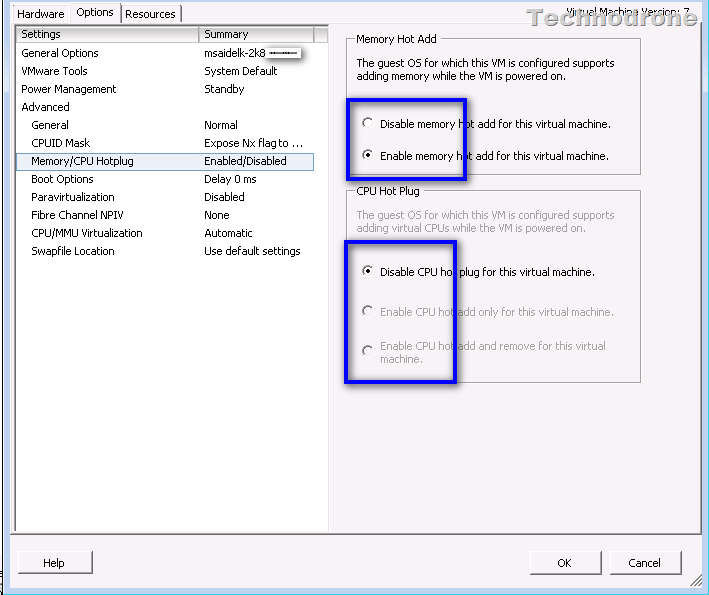
Firstly, I noticed - CPU Hot plug was not available. Regarding memory Hot Add - I did have the option to turn on / off.
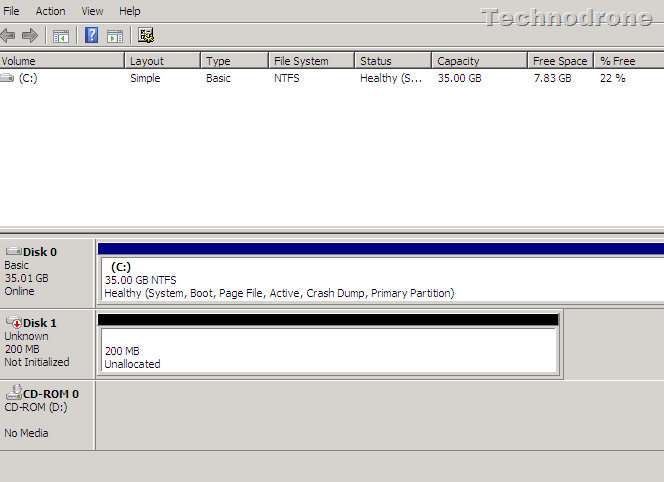
I powered on the machine. And started my journey again to add a new hard disk to the VM while it was powered on.
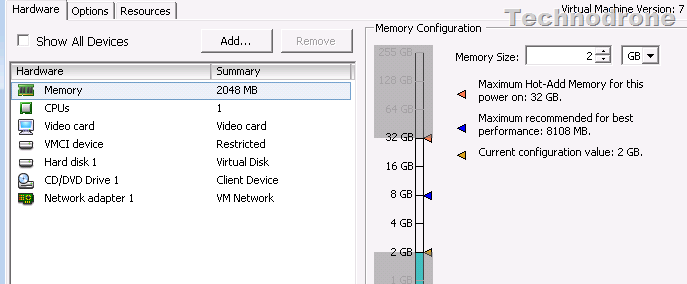
Edit Settings -> Add -> yada yada yada….. (you know the drill…)
I did not receive any errors
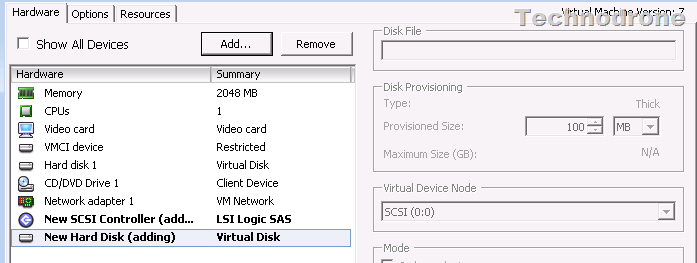
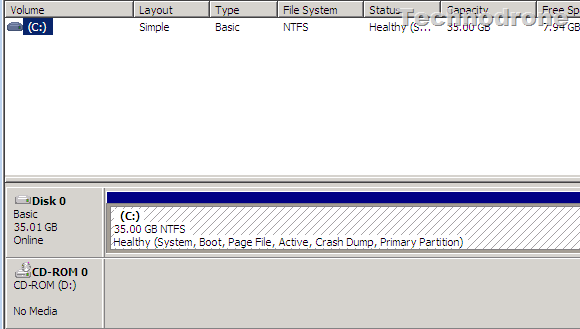
And Lo and Behold:
Tried the same with a second NIC
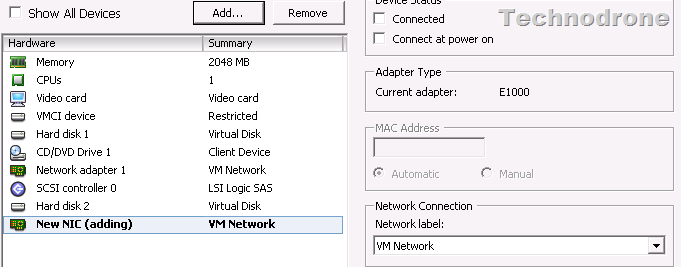
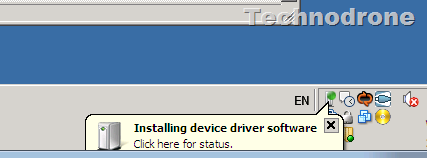
And Lo and Behold:
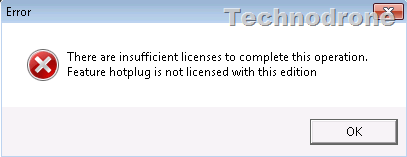
Last thing I tried - (you remember the memory/CPU hot-add from before.
This is not a feature that is offered with the free version of ESXi - but what the heck - the option was there, so I figured I would try it.
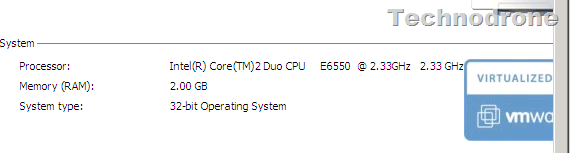

And I got shot down - as expected:
The questions I asked my previous article were:
- The error message of course is not very well phrased - and I would love to know what “need have have” is?
- Why in heaven’s name would you take away the most basic functionality that has been in every single VMware product (besides Player) for the past 5 years? VMware? Please tell me that was a mistake?
So as you can see, the first has been fixed, and William Shakespeare will no longer be turning over in his grave.
Regarding the second one, I guess VMware realized the mistake, and have remedied the situation that arose with ESX4i. Thank you for correcting the problem
And of course - the removal of the above mentioned hardware (HD and NIC) works on a live machine as well.
Hope you enjoyed the ride!