
Writing
What Happened to Export a VM in ESX4i?
I have been meaning to blog about this for a while so hear it is.
One of the features I used in ESX3i was the option to export a VM once it was powered off. This made the option of moving a VM off a stand-alone host to different Storage on different hosts a very easy process.
In ESXi 3.5
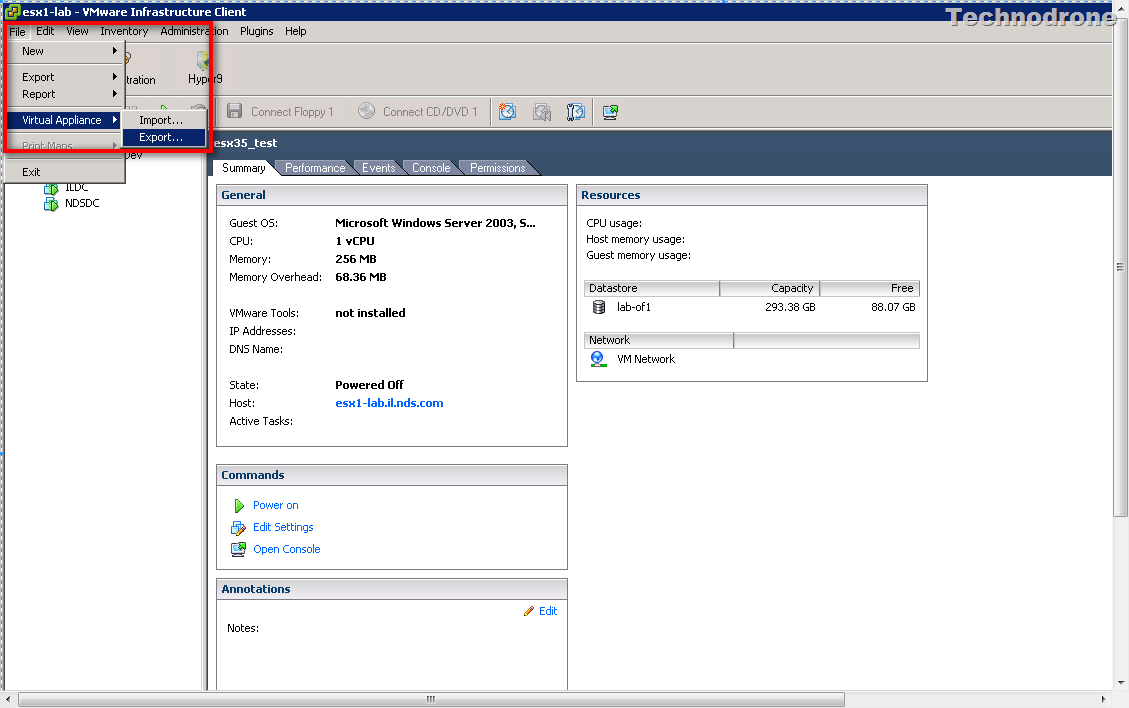
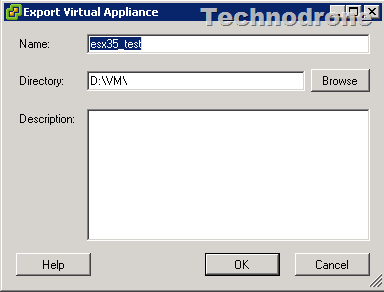
And save it anywhere on your local Drive
But for some reason this has disappeared from ESX4i.
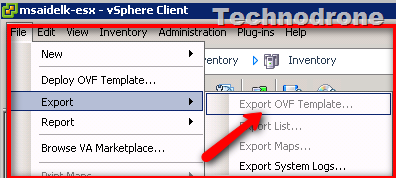
The option is grayed out.
The only way to export a VM from a standalone host is to use VMware Converter.
This was done on a stand-alone host - without vCenter, virtual machine was powered off using a free license.
Anyone know why this was removed?